
What are the best free software tools to organise you activity as an IT Pro? We all have our own method to organise our daily and weekly tasks, but that doesn´t mean we shouldn´t be keep trying new things to see what we can improve. Better time management will allow you to increase your productivity, develop stronger relationships with your team and clients and even have some extra time to work on your career development strategy.
To make that easier, we have put together a list of free software tools in the hopes you discover at least one you are not yet using. If that’s not the case, you can take this list as validation of how good a job you are already doing. Wink. Wink.
Some of these tools are completely free, while others also offer several subscription tiers. Whether you are an independent contractor or part of a company’s IT department, they will help you build better and more robust projects, more effectively and in less time.
Also read our article: IT Pros: How to Work On Remote in the Post-Pandemic World
Best free software tools to organise you activity
Google
Workspace
Does this one
really need an introduction? Well, maybe. Especially since Google recently went
and rebranded G in a move that surely confused many of us out there. Now known
as Google Workspace, the productivity suite is a whole world in and of itself. From
storage, to document collaboration, you will find in it everything you need to
carry out all your basic everyday tasks.
Even more
so since the rebrand, Gmail serves as the platform’s backbone, making it easy
to create an efficient workflow between your email, calendar and files.
Workspace also comes in handy when you need to share and work on documents with
clients or people external to your organisation. Google Sheets is great for
easily storing and sharing data sets.
Evernote
Evernote is pretty much the only notebook you will ever need, and it’s free unless you want to use it in more than two devices at once.
It’s very intuitive and quick to use, and it allows you to share individual notebooks and notes with other people, anytime, anywhere. In addition, Evernote can integrate perfectly with other tools like Google Workspace and Slack, making it an ideal solution for collaboration.
You can include almost anything you want in your notes, from images and videos to PDF documents. Furthermore, the Evernote web clipper tool makes it possible to capture screenshots and ideas directly from the web. This information is saved in a note which includes a link to the original page. All your searches are saved in one place for easy access. You can also scan physical documents directly on the app.
To transfer your emails to Evernote, you only need to forward them to your
unique Evernote email address.
Trello
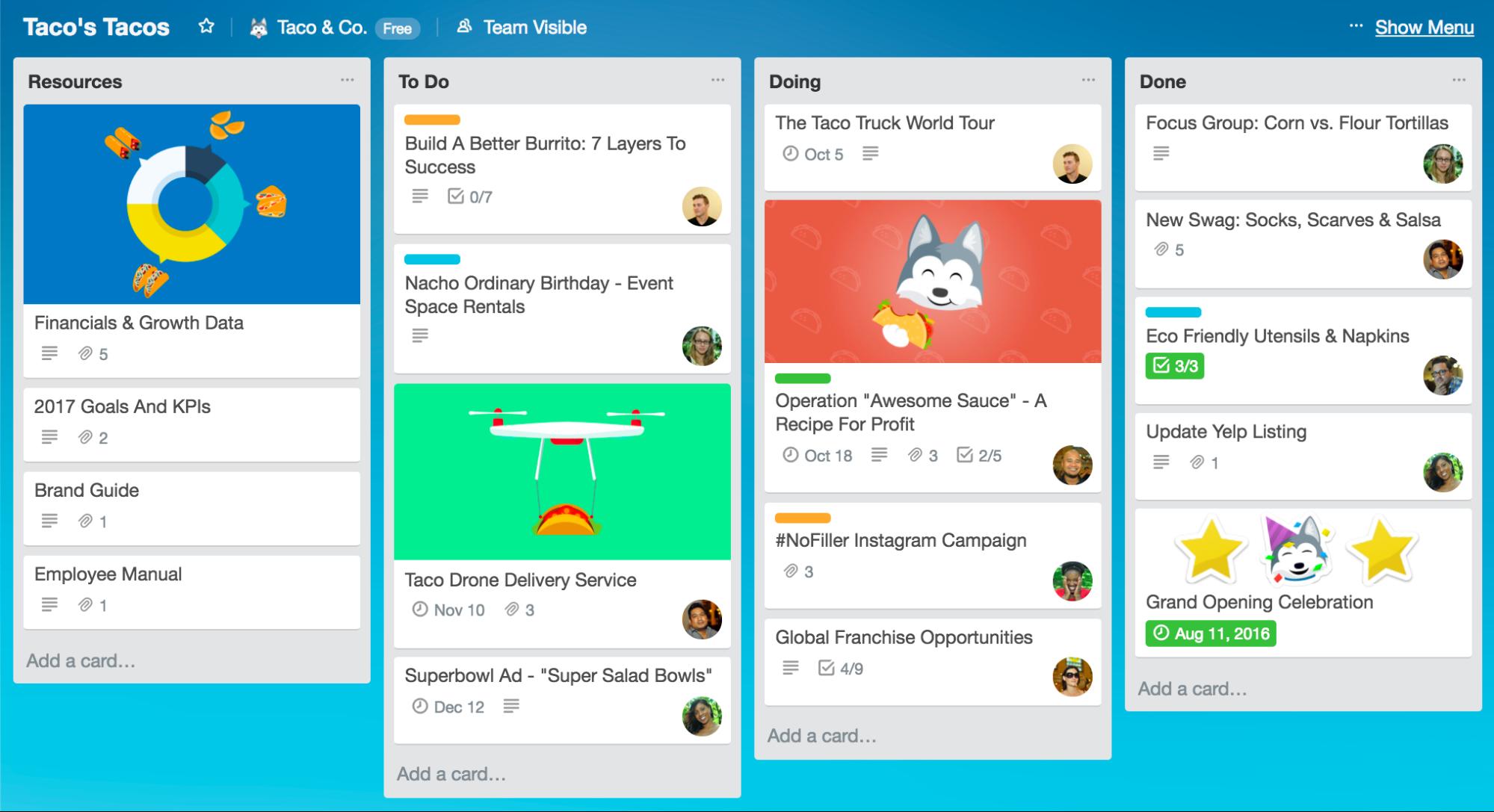
This
easy-to-use project management tool will inevitably improve your daily life. Juggling
between a thousand tasks is not, well — an easy task. No one enjoys forgetting
a deadline or wasting their time.
Trello allows you to create and manage to-do lists and set up reminders, so you don’t miss anything. What makes it particularly compelling is how simple and intuitive it is to use, letting you organise your activity without adding more work to your already packed workflow.
It’s advisable to use Trello in combination with another very practical and free tool: Toggl. This time-tracking tool allows you to have a precise idea of the time you spend on each task on a daily basis. The goal is not to waste too much time on tasks that require a disproportionate time investment and to manage your time better to improve your productivity.
Asana
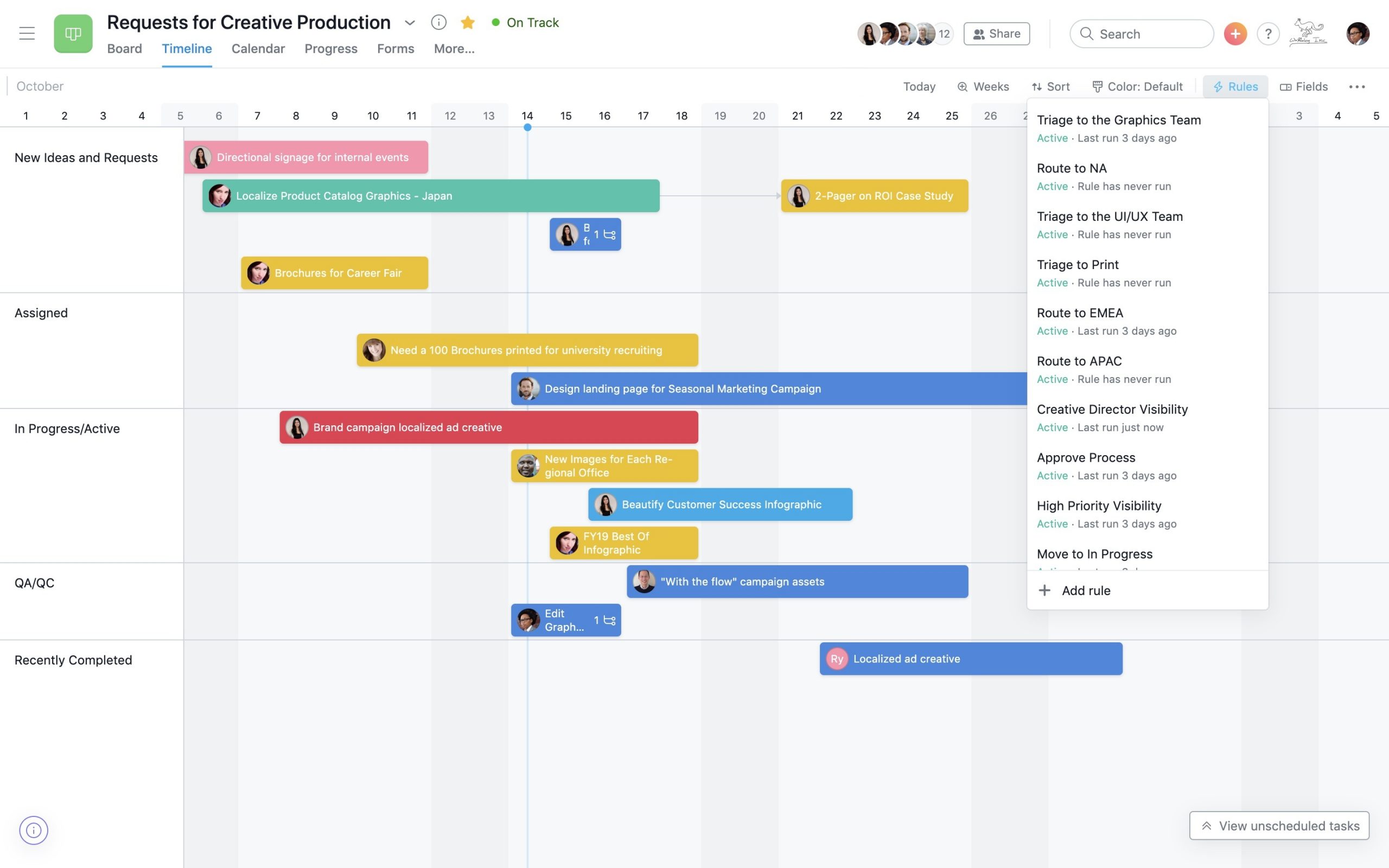
Asana is a free tool that was originally created at Facebook to organise internal workflows. Compared to Trello, this project management tool loses the simplicity but offers endless customisation and deeper integration with existing workflows. It is particularly useful for collaborative projects.
You can assign and delegate tasks to collaborators and set the deadlines to meet. The whole team can easily see all pending and completed tasks in a single place. Everyone is then able to plan their time to their taste to meet the specified deadlines.
Calendly
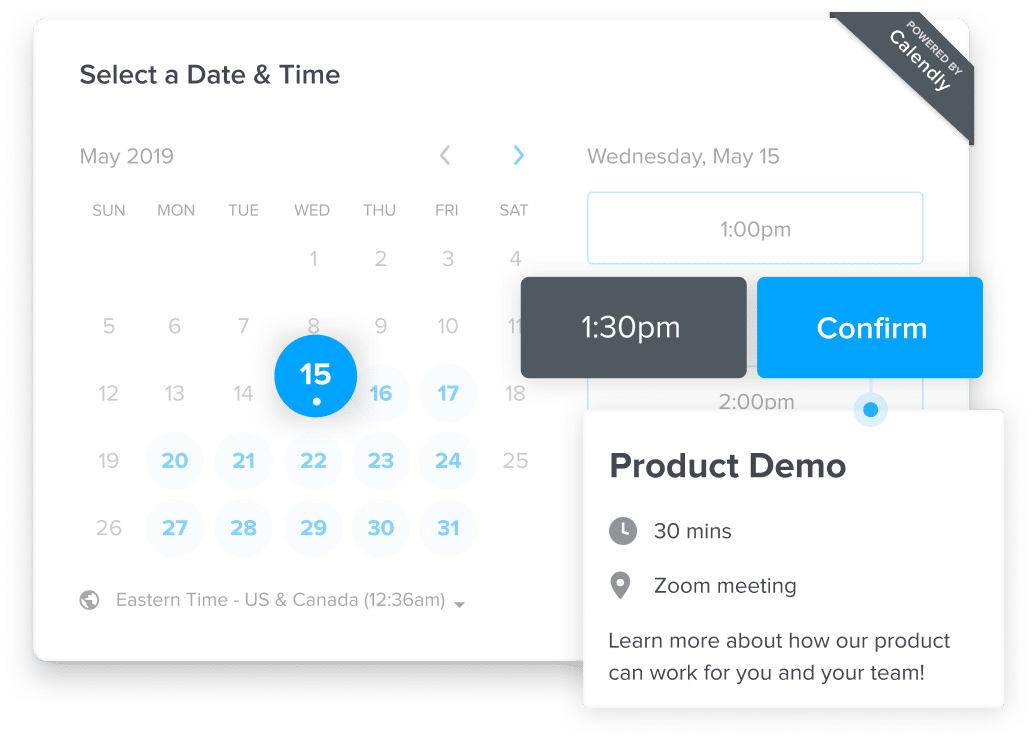
Calendly works
with your Outlook, Google, iCloud and Office 365 calendars, allowing you to
consolidate all your schedules into a single one for optimal management of your
time. It also allows you to precisely define “break” periods between several
meetings or projects, to create secret events, and to avoid certain meetings or
last-minute appointments.
But perhaps
the best thing about Calendly is its automated scheduling feature, which saves
you the time-consuming hassle of having to send back-and-forth emails to agree
to a time that works for both parties.
The tool is
perfect if you need to collaborate with people from other countries since it
automatically detects the time zone of your contacts for even smarter time
management.
Need advice on how to start or develop your freelance consulting business in tech or IT? Need to start a new permanent or freelance assignment? Join Mindquest and get support from our team of experts.

Discover more content: